
Seven Casino App – Full Casino & Sports Betting in Your Pocket
The Seven Casino app puts licensed casino games and live sports betting on a single platform, accessible from any Android or iOS device. No mirror sites, no browser workarounds. The app installs directly on your phone and delivers fast, responsive performance whether you’re at home or on the go. Sports, pokies, live dealers – all of it fits in your pocket.
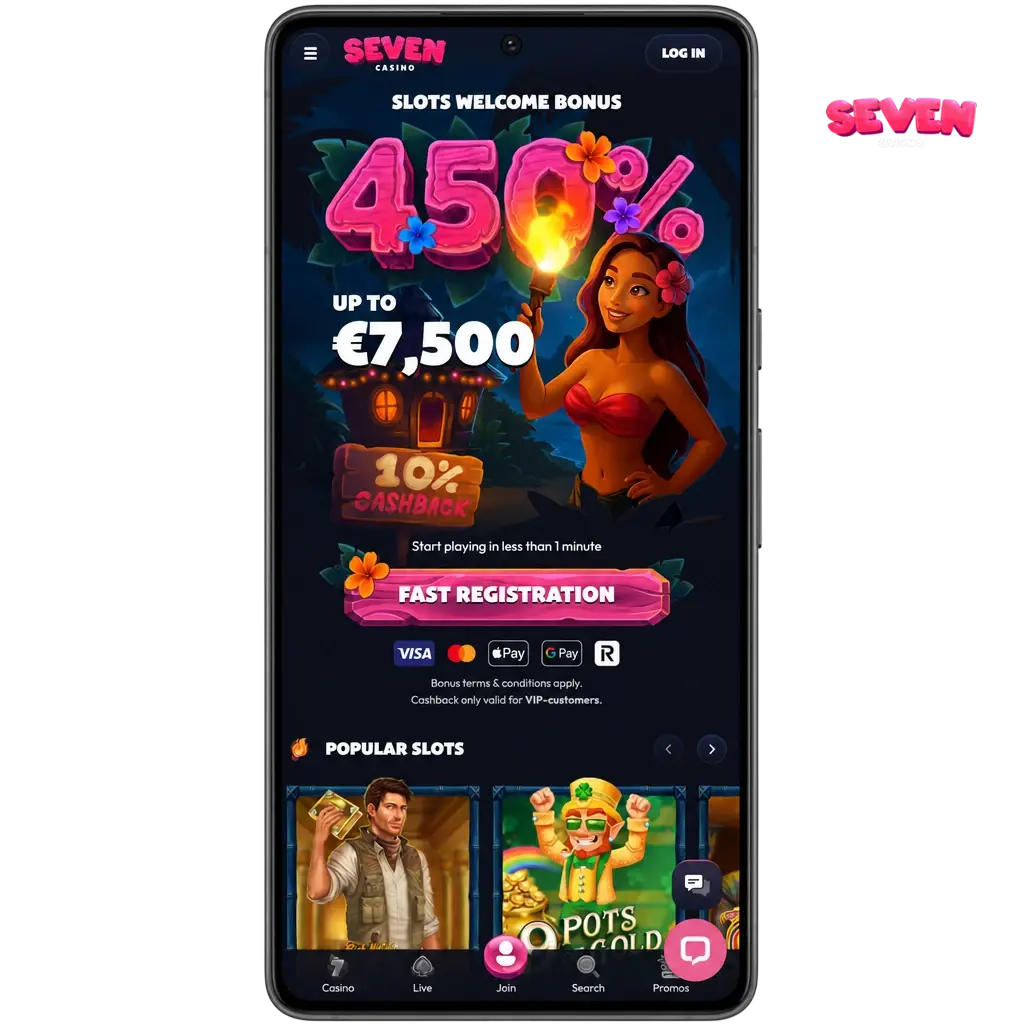
Seven Casino App Features & Design
The Seven Casino app is built around a deep navy and crimson palette aligned with the brand’s visual identity. The interface scales cleanly across screen sizes ranging from compact Android handsets to large iPhone Pro Max displays. Typography, buttons, and game tiles all adjust proportionally, so the layout never feels cramped or misaligned regardless of resolution.

Core Features & Functionality
The Seven Casino app delivers the same feature set as the desktop platform. Pre-match and live betting lines cover AFL, NRL, cricket, soccer, tennis, and UFC. In-app live streaming lets you watch supported events directly within the betting interface. The casino section provides full access to pokies, crash games, and live dealer tables. Bonuses activate through the Promotions tab, and customer support is reachable via live chat directly within the app.

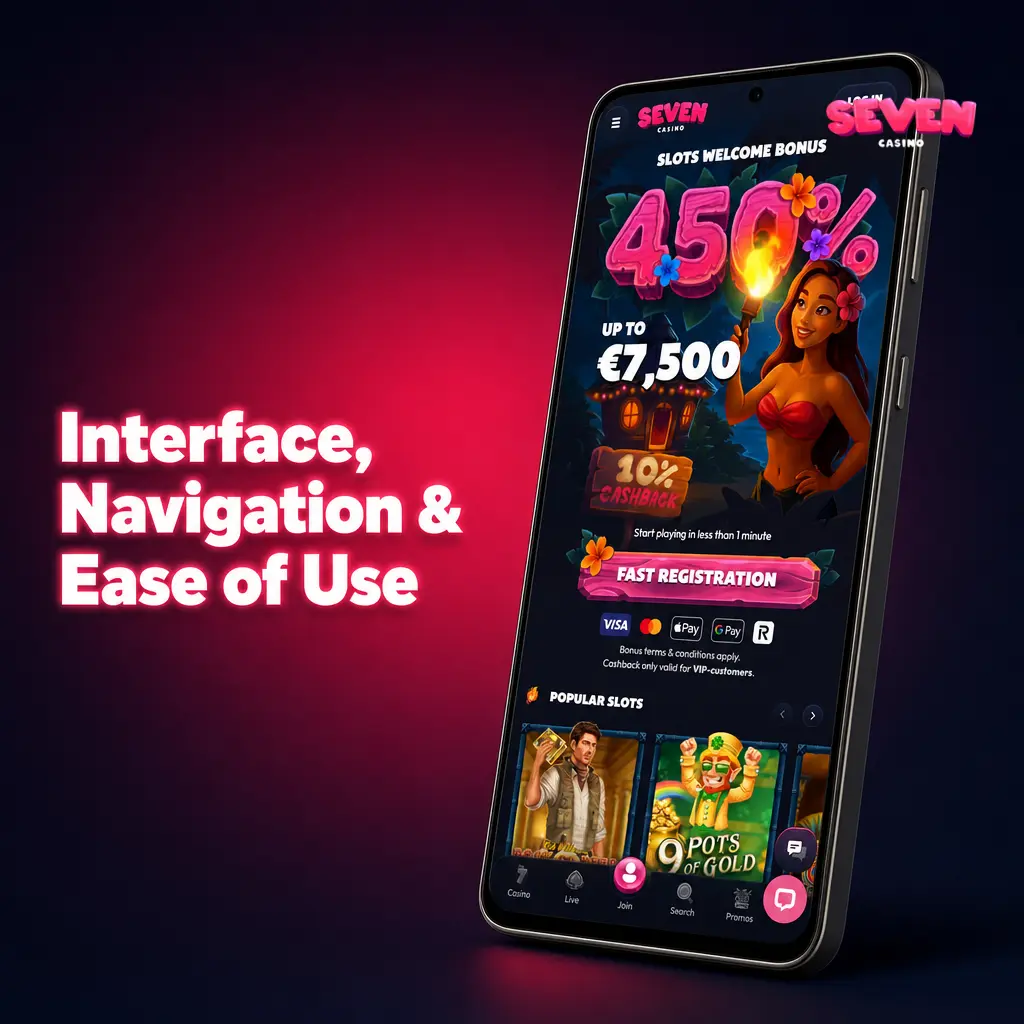
Interface, Navigation & Ease of Use
The bottom navigation bar gives you instant access to Sports, Casino, Live Casino, Promotions, and your account. The bet slip slides in from the right without leaving the current page. In the casino section, filtering tools let you sort by provider, game type, or volatility. You can search by game title or studio name directly from the lobby. The tap targets are sized for one-handed use, so placing a bet or launching a pokie takes just a few taps.
Seven Casino App vs. Mobile Site: Which One Should You Use?
The mobile site works well and requires no download or device storage. The dedicated app, however, loads faster because all UI elements are stored locally on your device rather than fetched from a server on each visit. Data consumption is lower, and performance stays stable even on a weak 4G signal. For regular players, the app is the better choice.
How to Download & Install the Seven Casino App
The Seven Casino app download is free and available to all Australian residents. Installation takes under two minutes on most devices. The app gives you uninterrupted access to all platform features, from live betting to the full casino library, without relying on a browser tab. Follow the steps for your device below and get started right away.
Android APK Download
Google’s Play Store policies restrict gambling apps from being listed in most regions, so the Seven Casino Android app is distributed as a direct APK file. The APK is signed, verified, and hosted exclusively on this site, meaning it poses no security risk to your device.
Where to Download Safely
Only download the APK from this page. Third-party forums, APK repositories, and unofficial mirror sources carry a high risk of phishing pages and malware-injected files. The official download button is located below this section. Click it, save the file, and follow the installation steps.

Download the Official Seven Casino APK
The verified APK file is available exclusively through this page. Never use third-party sources. Tap the button below to begin your download.

Step-by-Step Android Installation Guide
Installing the Seven Casino APK on Android requires one quick settings change before you open the file. Complete these steps in order and the app will be ready to launch in under two minutes.
Download the APK
Tap the "Download for Android" button on this page to save the official Seven Casino APK file to your device.
Allow Unknown Sources
Open your device Settings, navigate to Security (or Apps, depending on your Android version), and enable "Install from Unknown Sources" or "Install Unknown Apps" for your browser or file manager.
Open the APK File
Go to your Downloads folder, tap the Seven Casino APK file, and select Install when prompted.
Wait for Installation
The installation process takes approximately 10 to 15 seconds. Do not close the installer.
Launch the App
Tap Open once the installation is complete, or find the Seven Casino icon on your home screen. Log in or register to start playing.
Android System Requirements & Compatible Devices
The Seven Casino app runs on the vast majority of Android devices available in Australia. Check the table below to confirm your device meets the minimum specs before downloading.
| Parameter | Minimum | Recommended |
|---|---|---|
| Android Version | Android 6.0 (Marshmallow) | Android 10.0 or later |
| RAM | 1 GB | 2 GB or more |
| Storage Space | 80 MB free | 150 MB free |
| Internet Connection | 3G / 5 Mbps | 4G LTE / Wi-Fi 20 Mbps |
| Processor | Quad-core 1.2 GHz | Octa-core 1.8 GHz or faster |
| Screen Resolution | 720 x 1280 px | 1080 x 1920 px or higher |
Seven Casino App for iOS (iPhone & iPad)
The Seven Casino app is fully optimised for iOS and performs consistently across all current iPhone models, including iPhone 12 through iPhone 16. iPad users get an expanded layout that takes full advantage of the larger screen real estate.
Where & How to Download for iOS
The app may be available directly in the App Store under the Seven Casino brand. If regional restrictions apply to your Australian Apple ID, you can switch your App Store region temporarily to access the listing. If the app is temporarily unavailable in the App Store, you can add the Seven Casino site to your iPhone home screen as a Web App (PWA) via Safari: tap the Share icon, then select "Add to Home Screen." Use only the links provided on this page.

iOS Installation Steps
Getting the Seven Casino app onto your iPhone or iPad takes less than a minute through the App Store. Follow the steps below.
Visit This Page on Your iPhone
Tap the "Download for iOS" button on this page to be directed to the correct App Store listing or installation option.
Tap Get or Install
On the App Store page, tap Get and authenticate with Face ID, Touch ID, or your Apple ID password.
Wait for Download
The app downloads and installs automatically. Progress appears on the app icon.
Open the App
Tap the Seven Casino icon on your home screen once installation is complete.
Log In or Register
Enter your existing credentials or create a new account to access the full platform.
iOS System Requirements & Compatible Devices
The app supports all iPhones and iPads running iOS 13 or later. Review the table below for full technical details.
| Parameter | Minimum | Recommended |
|---|---|---|
| iOS Version | iOS 13.0 | iOS 16.0 or later |
| Compatible Devices | iPhone 8, iPad (6th gen) | iPhone 14 or later, iPad Pro |
| Storage Space | 100 MB free | 200 MB free |
| RAM | 2 GB | 3 GB or more |
| Internet Connection | 3G / 5 Mbps | Wi-Fi or 4G LTE / 20 Mbps |
| Screen Resolution | 750 x 1334 px | 1170 x 2532 px or higher |
Seven Casino for Windows / PC
A dedicated Windows application is available for players who want the most stable desktop experience without relying on a browser. The PC client connects directly to the platform and maintains consistent performance regardless of your browser settings or installed extensions.

Windows Installation Steps
Installing the Seven Casino desktop client on a Windows PC takes under three minutes. Follow these steps to get up and running.
Download the Installer
Click the “Download PC” button on this page to save the official Seven Casino Windows installer (.exe) to your computer.
Run the Installer
Locate the downloaded file in your Downloads folder and double-click it. If prompted by Windows Defender or UAC, click Run Anyway or Yes to proceed.
Follow the Setup Wizard
Accept the licence agreement, choose your preferred installation directory, and click Install.
Complete Installation
The installer copies all required files. This takes approximately 20 to 30 seconds depending on your system speed.
Launch and Log In
Open the Seven Casino desktop client from your Start menu or desktop shortcut, then log in with your account credentials.
Registration & Login in the Seven Casino App
Creating an account or logging in takes under 60 seconds on any mobile device. Both processes are streamlined so you can get to betting or gaming with minimal steps.
Create a New Account in the App
New players can register directly through the app in five steps. All personal details entered during registration are protected by 256-bit SSL encryption.
- Tap the “Create an Account” button on this page to open the Seven Casino registration form.
- Enter your email address and create a secure password.
- Fill in your personal details: full name, date of birth, and residential address in Australia.
- Select AUD as your account currency and enter a promo code if you have one.
- Accept the Terms and Conditions, tick the responsible gambling confirmation, and tap Submit to activate your account.

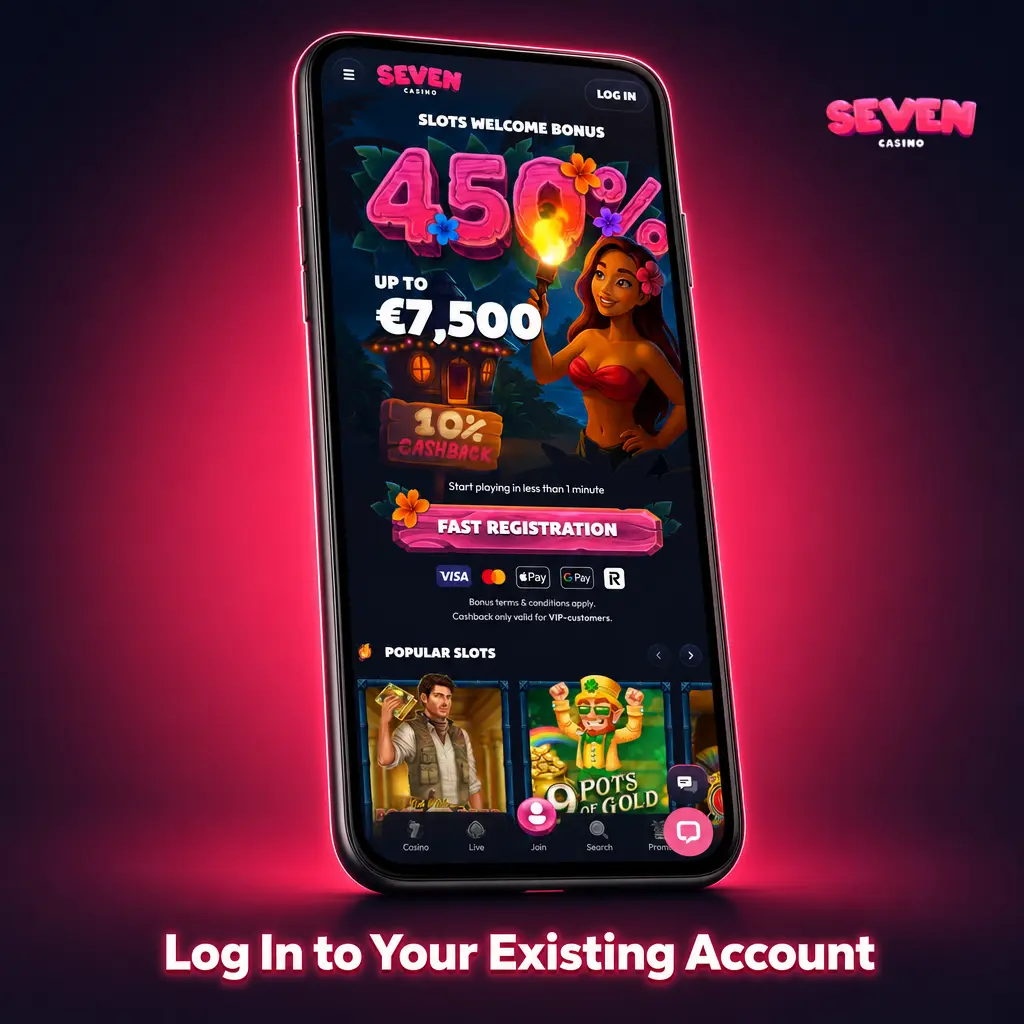
Log In to Your Existing Account
Returning players can access the platform in four taps.
- Tap the “Log In to the App” button on this page to open the Seven Casino login screen.
- Enter your registered email address and password.
- Tap Log In to authenticate. Use the Face ID or fingerprint option if your device supports biometric login.
- Your account dashboard loads immediately with your balance, active bonuses, and recent bets.
Important: If you already have a Seven Casino account, do not create a new one. Duplicate accounts violate the platform’s Terms and Conditions and may result in account suspension.
How to Place Bets in the Seven Casino App
Live odds across all supported sports update continuously within the app, letting you lock in lines at the right moment. The full pre-match and live betting catalogue is available on mobile, including same-game multis, futures, and player props. AFL match lines, NRL totals, cricket outright markets, and UFC round betting are all accessible through the same Sports tab. The bet slip stores multiple selections and calculates potential returns before you confirm.
Step-by-Step Betting Guide
Placing your first bet in the app takes less than a minute. Follow these steps.
- Tap the “Place a Bet” button on this page to open the Seven Casino sports betting section.
- Select your sport from the top navigation bar, for example AFL, NRL, or Soccer.
- Browse the available events and tap on a specific match to open the full market list.
- Tap the odds on your chosen outcome to add the selection to your bet slip.
- Enter your stake amount in the bet slip panel on the right side of the screen.
- Review the potential payout displayed and tap Confirm Bet to submit.

Casino Section in the Seven Casino App
The majority of players in Australia now access casino games on smartphones, and leading studios like Pragmatic Play, Evolution, and BGaming have rebuilt their entire catalogues in HTML5 for touchscreen devices. Every title in the Seven Casino library launches natively in the app with no Flash dependency, no plugin requirements, and consistent frame rates on supported devices.

Games Available in the Seven Casino App
The casino library spans multiple categories, all fully accessible from the mobile app:
- Pokies: Thousands of video slots from providers including Pragmatic Play, BGaming, Hacksaw Gaming, and Play’n GO. Titles include popular Australian favourites such as Gates of Olympus, Sweet Bonanza, and Book of Dead;
- Live Dealer Tables: Real-time blackjack, roulette, baccarat, and game show titles streamed by Evolution Gaming and Pragmatic Play Live. Tables include Lightning Roulette, Crazy Time, and Infinite Blackjack;
- Crash Games: Fast-format titles such as Aviator by Spribe and JetX by Smartsoft, where the multiplier climbs until you cash out;
- Table Games (RNG): Classic blackjack, roulette, baccarat, and poker variants playable without a live dealer;
- Jackpot Pokies: Progressive jackpot slots including Mega Moolah and Major Millions with pooled prize networks;
- Instant Win & Virtual Sports: Scratch cards, keno, and virtual football and racing markets for fast-paced sessions.
Payment Methods Available in the App
All transactions processed through the Seven Casino app are secured with 256-bit SSL encryption. Australian players can deposit and withdraw using multiple payment options, with AUD fully supported as the base currency. Processing times and limits are outlined in the table below.
| Method | Type | Processing Time | Limits |
|---|---|---|---|
| Visa | Both | Deposit: Instant; Withdrawal: 1–3 business days | Min: AUD 15; Max: AUD 7,000 per transaction |
| Mastercard | Both | Deposit: Instant; Withdrawal: 1–3 business days | Min: AUD 15; Max: AUD 7,000 per transaction |
| Maestro | Deposit | Instant | Min: AUD 15; Max: AUD 7,000 per transaction |
| American Express | Both | Deposit: Instant; Withdrawal: 1–5 business days | Min: AUD 15; Max: AUD 7,000 per transaction |
| Cryptocurrency (BTC, ETH, LTC, USDT) | Both | Deposit: Under 10 min; Withdrawal: Under 1 hour | Min: AUD 20; Max: AUD 50,000 per transaction |
How to Make a Deposit via the App
Depositing funds through the Seven Casino app takes under two minutes. All methods process in AUD with no platform fees applied on the casino’s end.
Open the App
Tap the “Deposit via the App” button on this page to launch the Seven Casino platform and go directly to the cashier section.
Select Deposit
Tap the Deposit button in the top navigation or within your account menu.
Choose a Payment Method
Select your preferred option from Visa, Mastercard, Maestro, Amex, or Cryptocurrency.
Enter the Amount
Type the amount you wish to deposit in AUD, ensuring it meets the minimum of AUD 15.
Confirm the Transaction
Follow your payment provider’s authorisation steps and confirm. Funds appear in your balance instantly for card and crypto deposits.
How to Withdraw Funds via the App
Withdrawal requests submitted through the Seven Casino app are processed once KYC verification is complete. Crypto withdrawals are typically the fastest option, completing in under one hour.
Access the Cashier
Tap the “Withdraw via the App” button on this page to open the platform and navigate to the cashier.
Select Withdrawal
Tap Withdraw within the cashier or your account menu.
Choose a Method
Select the withdrawal method. For fastest processing, choose the same method used for your most recent deposit.
Enter the Amount
Input the withdrawal amount in AUD, with a minimum of AUD 15 for card methods and AUD 20 for crypto.
Submit the Request
Confirm the withdrawal. Card withdrawals take 1 to 5 business days; crypto withdrawals complete in under one hour.
Bonuses & Promo Codes for Seven Casino App Users
App users have access to every active promotion on the platform, with no bonus restrictions applied to mobile play. New players in Australia can claim the +450% Welcome Bonus up to AUD 12,500 across the first four deposits. The bonus structure breaks down as follows: 100% on the first deposit, with increasing match percentages on subsequent deposits up to the full package cap.
Cashback promotions run on a weekly cycle, returning a percentage of net losses to eligible players. Reload bonuses and tournament entry offers are published in the Promotions tab and update regularly throughout 2026.
To activate a promo code in the app, open the cashier, select your deposit method, and locate the “Promo Code” field on the deposit screen. Enter your code before confirming the transaction. Promo codes entered after a deposit is confirmed are not applied retroactively.
Check the Promotions tab regularly, as limited-time app offers do appear during major Australian sporting events including the AFL Finals and NRL Grand Final periods.

Seven Casino Mobile Web Version
The mobile browser version of Seven Casino is a solid alternative for players who prefer not to install anything, use a less common operating system, or need to conserve device storage. Open the site in Chrome, Safari, or Firefox on any smartphone or tablet and the layout adapts automatically to your screen dimensions. All core features are available, including sports betting, the full casino library, live dealer tables, cashier access, and customer support. No download, no installation, no app update cycle required.

Seven Casino App: Pros & Cons for Australian Players
The app covers the full platform across sports and casino in a single, fast-loading mobile interface. Here is an honest breakdown.
Pros:
- Full sportsbook access including AFL, NRL, cricket, soccer, and UFC markets;
- Live odds update continuously without requiring a page refresh;
- In-app live streaming for supported events;
- Complete casino library including pokies, crash games, and live dealer tables by Evolution and Pragmatic Play;
- Faster interface load times compared to the mobile browser version;
- Lower data consumption on mobile networks;
- +450% Welcome Bonus up to AUD 12,500 fully accessible through the app;
- AUD supported natively with no currency conversion fees;
- 256-bit SSL encryption across all app sessions.
Cons:
- Android installation requires enabling "Unknown Sources" as a manual one-time setting change;
- The app is not listed on the Google Play Store due to platform policies.
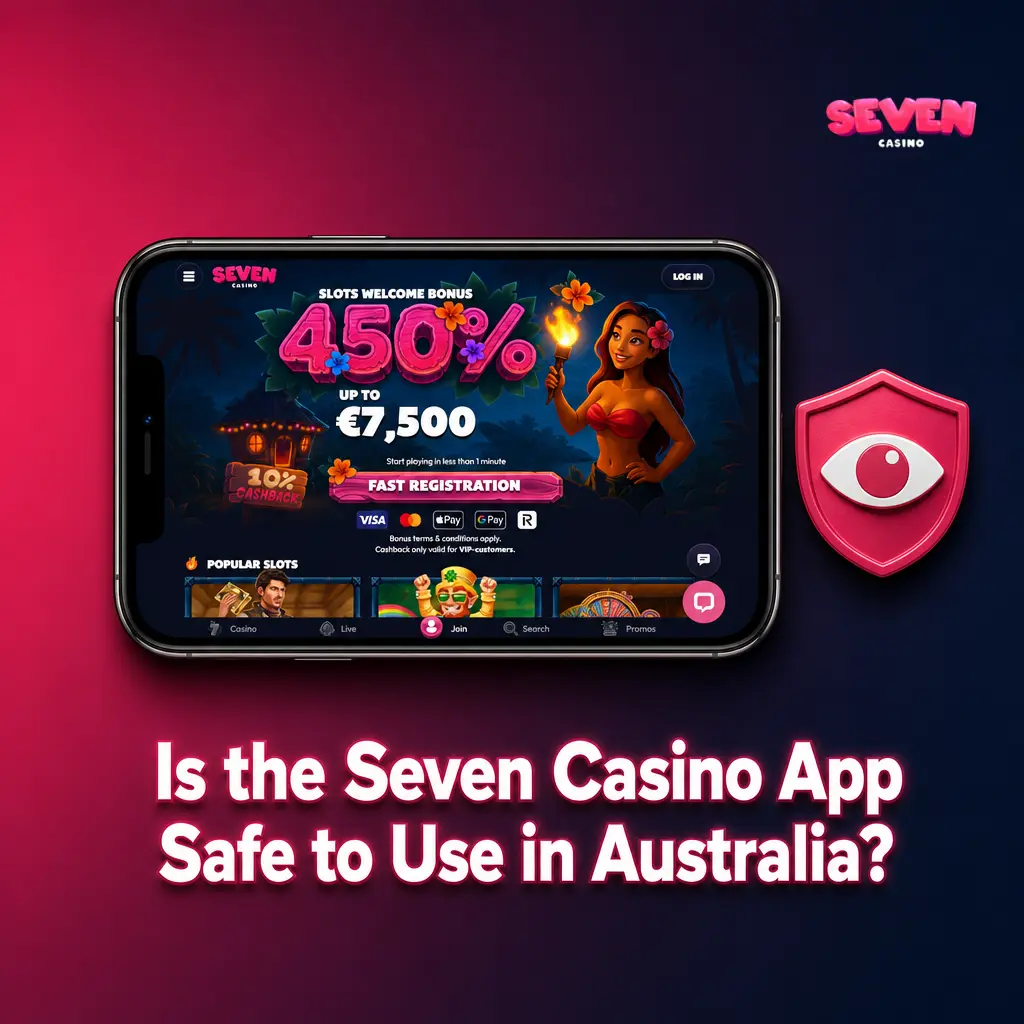
Is the Seven Casino App Safe to Use in Australia?
The Seven Casino app uses 256-bit SSL encryption on all data transmitted between your device and the platform’s servers, covering account details, payment information, and session data. The APK distributed on this page is signed and verified. Downloading from this official source is the only guaranteed way to get an unmodified, secure installation file. The app is 100% safe to install and use for Australian players.
FAQ
Does the Seven Casino app work on older Android phones?
Yes. The app supports Android 6.0 (Marshmallow) and above, which covers the vast majority of Android devices still in use across Australia in 2026.
Can I claim the Welcome Bonus through the app?
Yes. The full +450% Welcome Bonus up to AUD 12,500 is available to new players who register and deposit through the app. Enter your promo code in the cashier's deposit screen before confirming your first transaction.
Is my banking information safe when I deposit through the app?
All financial data is protected by 256-bit SSL encryption. Payment details are never stored on the app itself; they are processed directly through your card provider or crypto network.
How do I update the Seven Casino Android app?
Updates are not pushed automatically via a store. When a new version is available, a notification appears within the app. Tap it to download the latest APK from this page and reinstall over your existing version. Your account data and balance are unaffected.
What should I do if the app crashes on my device?
First, ensure your Android or iOS version meets the minimum requirements listed in the system requirements table above. Clear the app cache in your device settings, then restart. If the issue persists, contact Seven Casino's live chat support directly within the app for immediate assistance.
Updated: